
Everything has a place
Six ideas that make NexTab feel less like a bookmarks manager, and calmer than your browser's own tab bar.
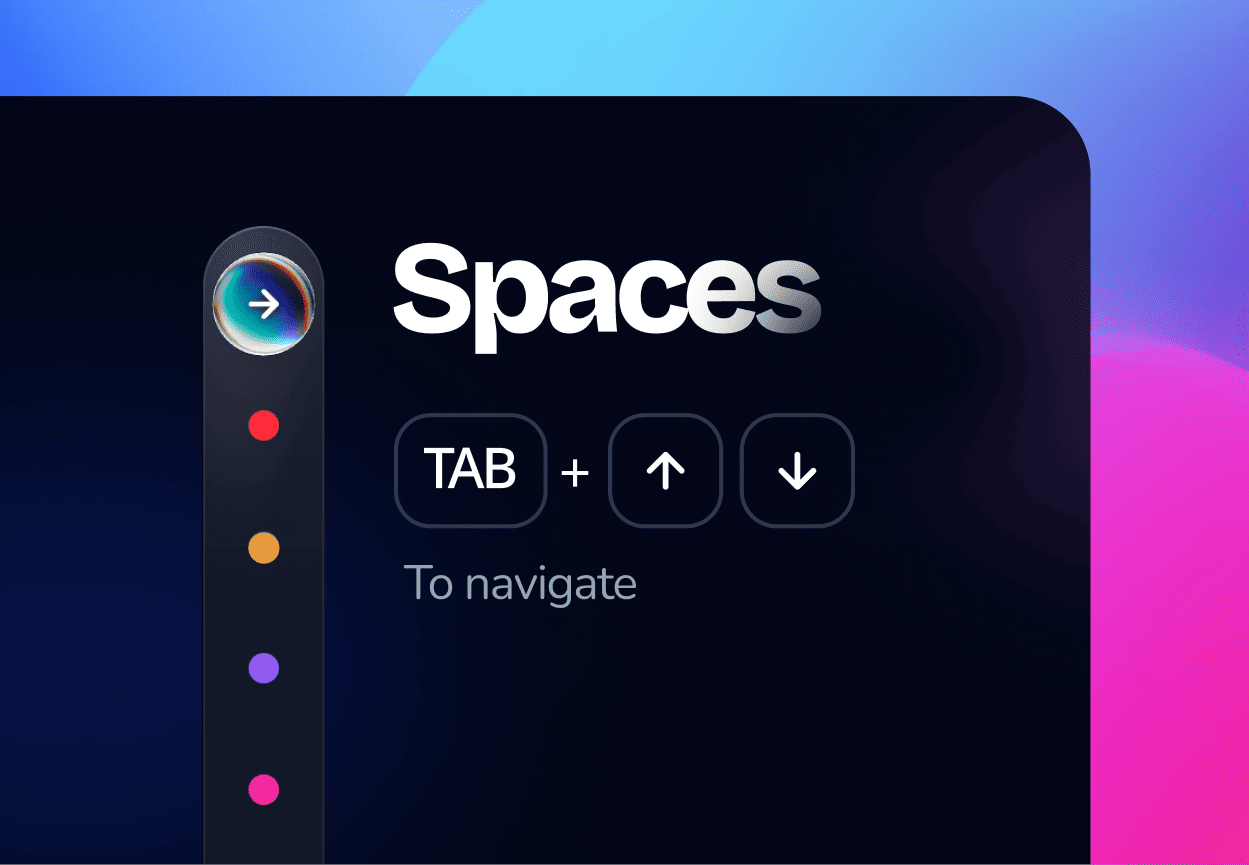
Spaces keep every project in its own room
Every bookmark and session lives inside a space: named, color-coded, and switched with a tap. Work, Personal, and that one trip to Lisbon never bleed into each other.
Free accounts get 2 spaces to start; Lifetime opens the door to 100. Either way, press Tab and then the arrow keys to jump between spaces without reaching for the mouse.
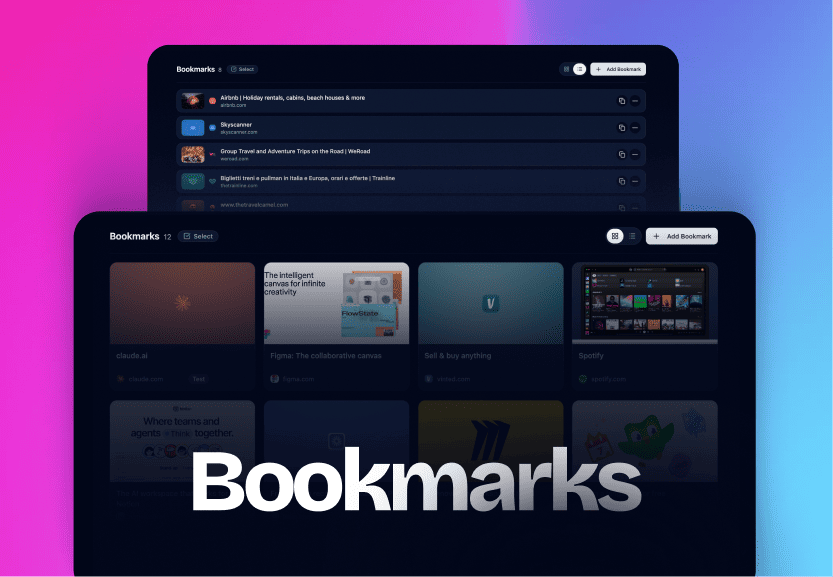
One home for every link, viewed your way
Save anything, an article, a doc, a tool you'll need next sprint, and it lands in a clean, searchable list. Flip to a visual grid when you'd rather browse by favicon and thumbnail than by title.
New saves can land at the top of the list or the bottom, whichever matches how you actually add things. That's a setting, not a fight with drag handles.
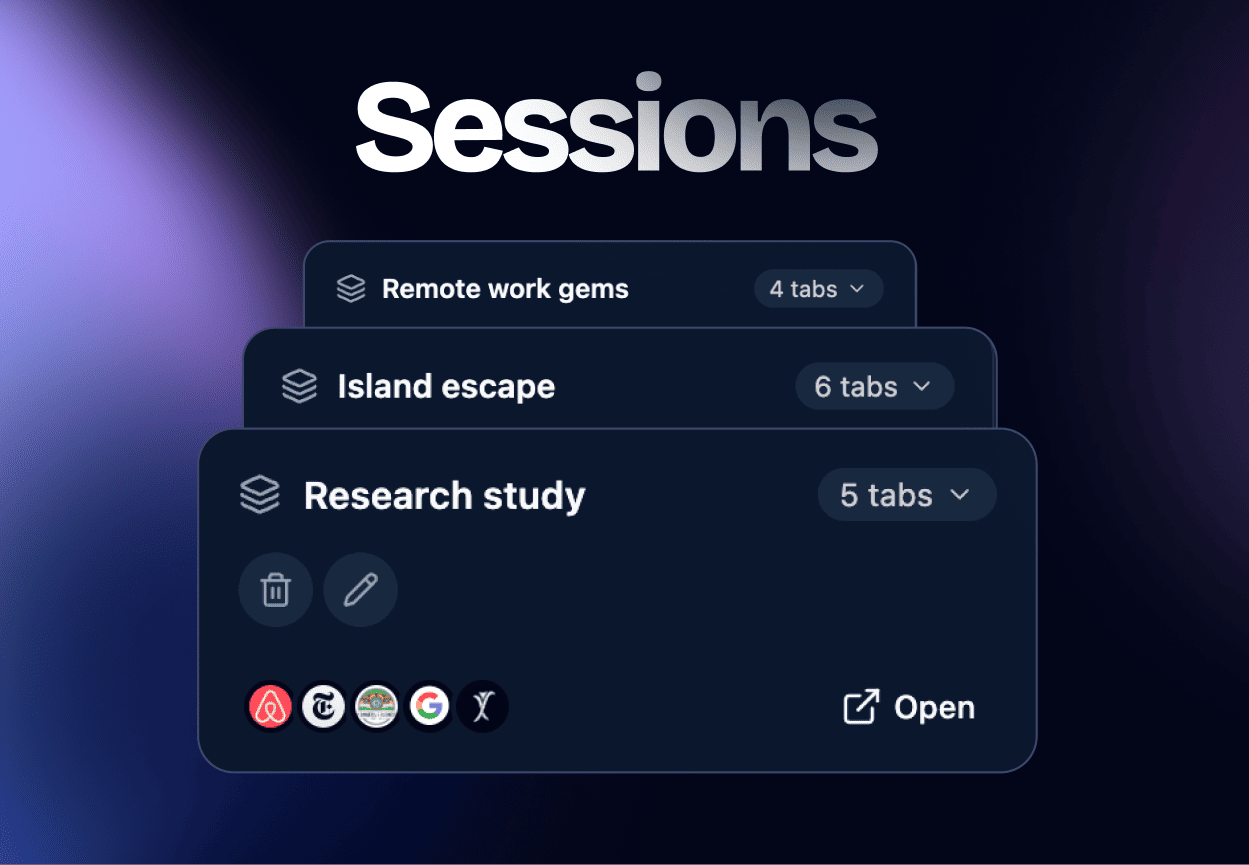
Whole windows, saved as one click
Seven tabs open for a single task is a project, not clutter. Capture the entire window as a Session and NexTab remembers every tab exactly as you left it.
Come back tomorrow, or next month, and reopen the whole set in one click, no retracing your steps through browser history.
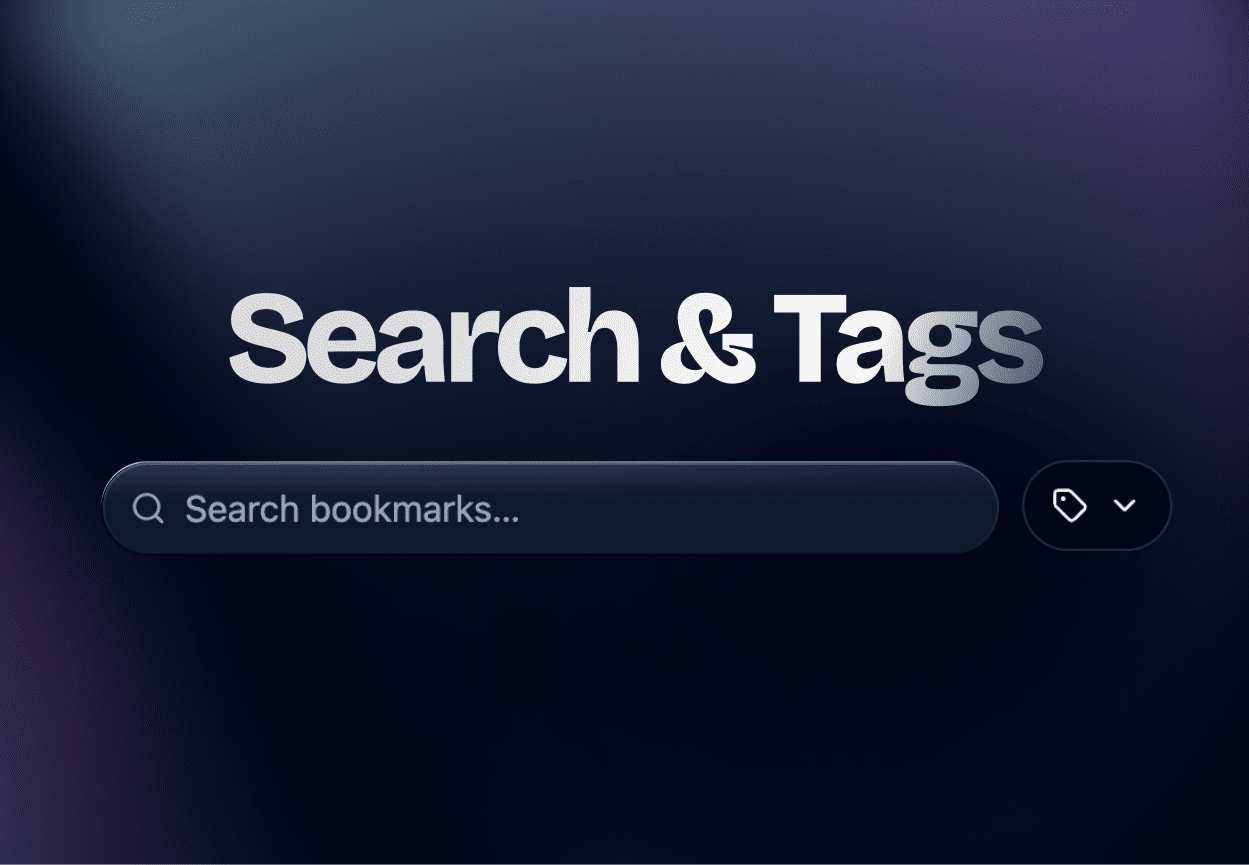
Find anything before you finish typing
A single search field reaches across every space and every bookmark at once, matching as you type.
Tags add a second axis on top: label a handful of bookmarks "reference" or "urgent" and filter down to just those, no folders to maintain or remember the name of.
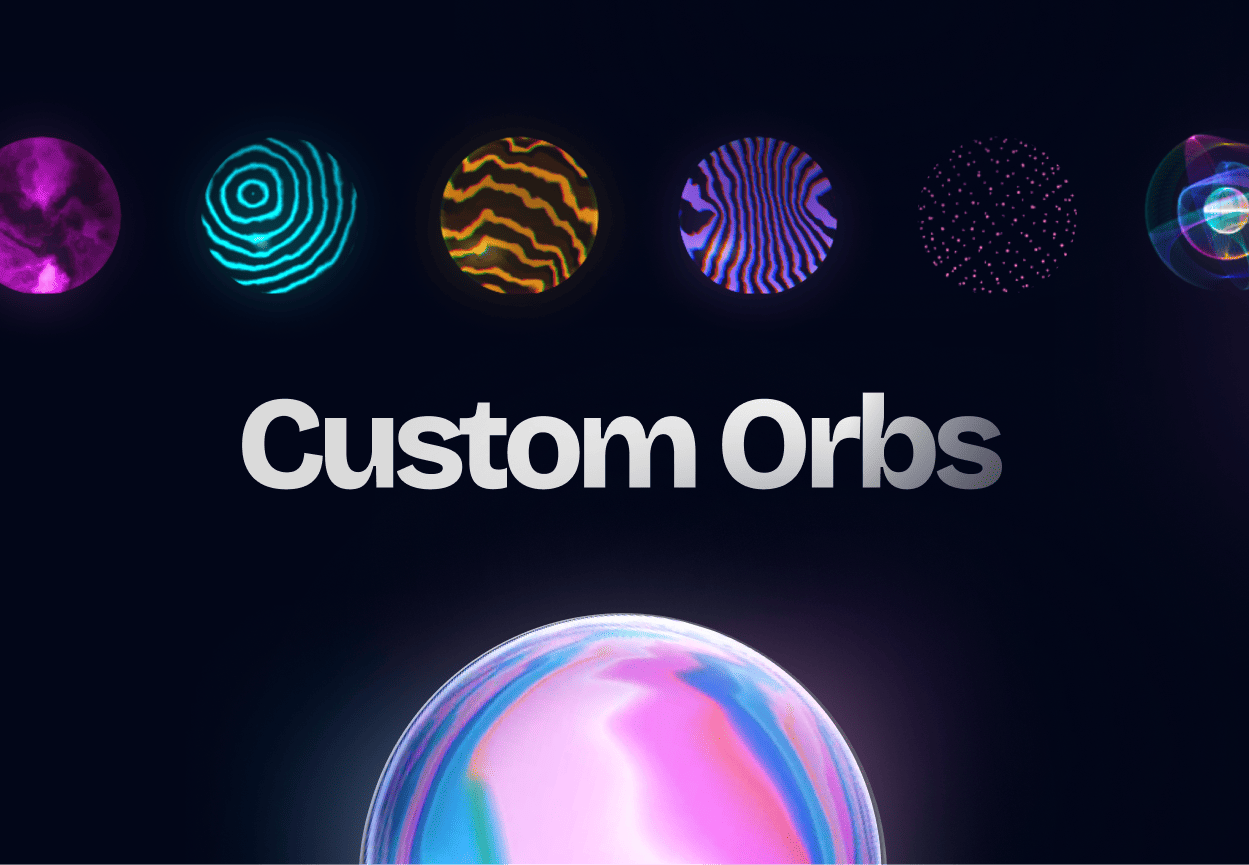
Give each space a material, not just a color
Swap a space's flat color dot for an animated Orb, a small piece of real-time WebGL rendered right in the sidebar, the same renderer behind the sphere on this page.
72 materials to choose from, from a simple color pulse to full shader-driven glass and plasma. 54 styles are free on every account; the rest unlock with Lifetime.
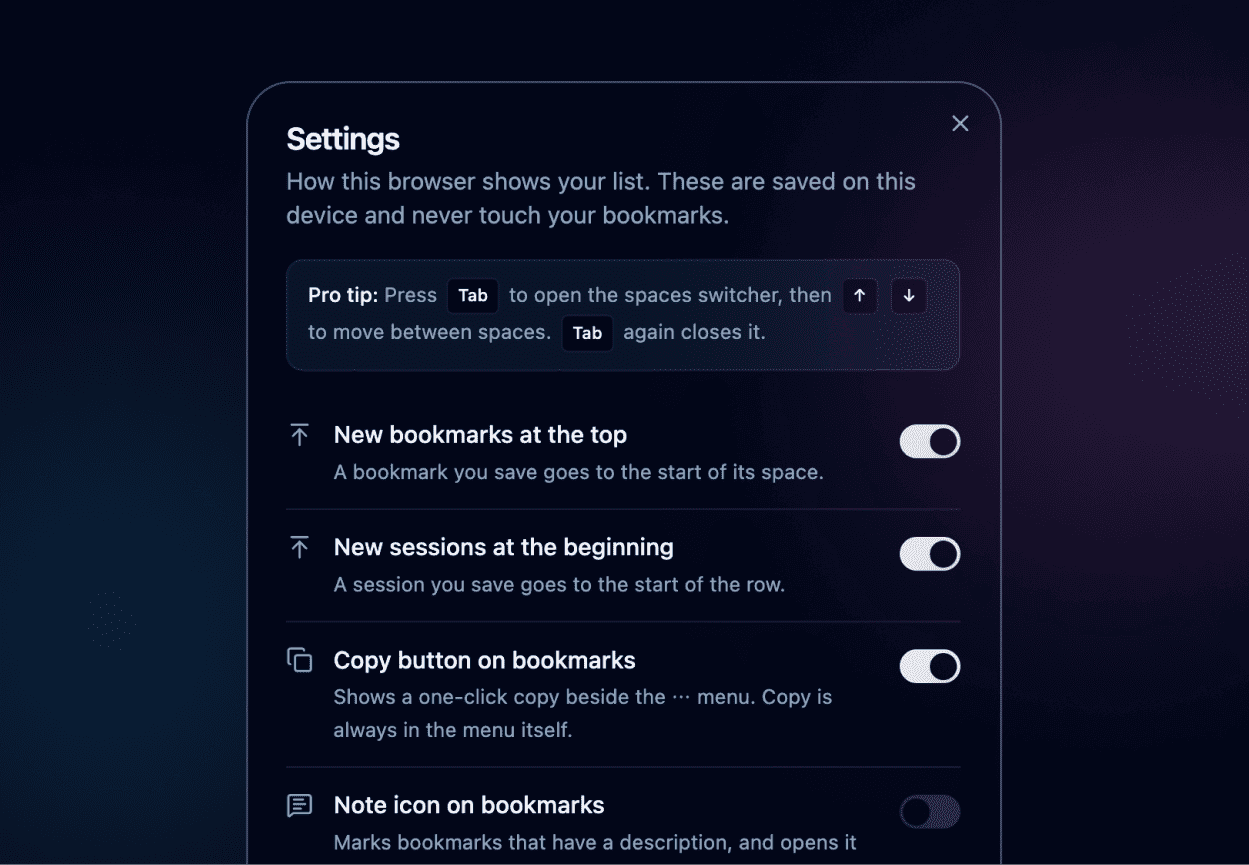
Tuned to how you actually work
New bookmarks can land at the top or the bottom. New sessions can lead or trail. A quick-copy button can sit on every bookmark, or stay out of the way.
NexTab can even reopen on whichever space you left, if that's what you want. Every one of these is a toggle in Settings, not a decision made for you.
One payment. No subscription.
Free is a real product, not a trial, it doesn't expire. Lifetime raises every limit and unlocks the rest of the orb collection.
| Free | Lifetime | |
|---|---|---|
| Spaces | 2 | 100 |
| Bookmarks | 20 per space | 10,000 saved links total |
| Sessions per space | 3 | 500 |
| Animated orb styles | 54 | All 72 |
| Search & tags | Included | Included |
| Import & export | Included | Included |
| Data storage | Your own Google Drive | Your own Google Drive |
| Price | $0, forever | $49, once, taxes included |